Introduction
A parking receipt printer may only take a short time to reload.
But in a busy facility, even a small interruption can create inconvenience.
At shopping malls, airports, hospitals, hotels, office buildings and high-volume car parks, paper replacement needs to happen quickly and predictably.
For organizations using parking receipt paper, managing roll changes is therefore an operational issue as well as a purchasing issue.
DeMegha already has a current guide covering what parking receipt paper is, printer compatibility, dimensions and how to choose parking ticket rolls.
This article deliberately addresses another topic: how parking teams can minimize disruption when rolls need to be replaced.
Why Roll Changes Matter in Busy Parking Facilities
A parking machine may print continuously during peak traffic periods.
If the roll runs out at the wrong time, staff may need to identify the empty machine, find a replacement roll, travel to the machine, open the printer, replace the roll, test the output and return the machine to service.
The actual paper change may be quick.
Finding the right roll is often what causes the delay.
Keep Approved Spare Rolls Close to the Equipment
Do not store every spare roll in a distant central warehouse if machines need rapid replenishment.
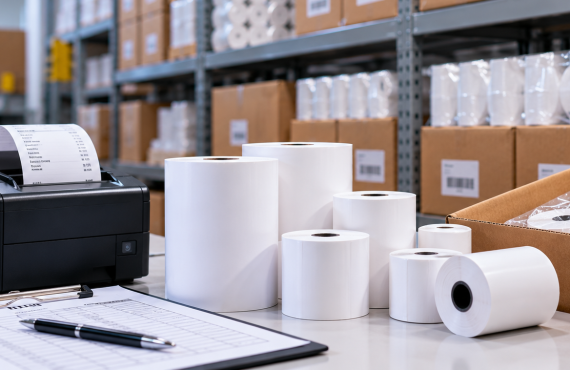
Depending on the site layout, facilities can keep controlled stock in the parking office, at a nearby control room or in an approved service cabinet.
Stock should still be protected from heat, moisture and unauthorized use. Our guide to POS thermal rolls storage and handling explains why these conditions matter for thermal paper.
Do Not Leave Paper Inside Hot Vehicles
Maintenance vehicles may seem like convenient storage.
However, thermal paper should not be unnecessarily exposed to extreme heat.
Use appropriate indoor storage and carry working stock only when needed.
Create a Parking Machine Paper Map
Large parking sites can have multiple printer locations.
Create a list containing machine ID, location, printer model, approved paper specification and spare-stock point.
For example:
- P01 – Entrance A – Roll Type PR-01
- P02 – Exit B – Roll Type PR-01
- P03 – Payment Kiosk – Roll Type PR-02
This helps maintenance teams bring the correct roll.
Use a Machine ID
Avoid instructions such as ‘the machine near the second exit.’
Instead use a clear ID.
This makes reporting faster.
Standardize Roll Specifications Where Equipment Allows
If several machines use the same compatible parking receipt paper, assign one approved internal code.
This makes stock control easier.
If different equipment requires different rolls, keep them clearly separated.
Label Spare-Roll Storage
Storage shelves or bins can show paper code, machine group, width and printer model.
Do not rely only on employees recognizing rolls visually.
Run a Start-of-Shift Check
Before peak operating periods, staff can check that:
- The printer is operational
- Paper is present
- Spare stock is available
- No paper warning is active
- The receipt print is readable
A short inspection may prevent emergency replacements later.
Replace Very Low Rolls at Planned Times
If the machine provides a way to identify low paper, teams can replace rolls during quieter periods rather than waiting for a complete run-out.
Whether this is practical depends on the parking system and its procedures.
Avoid Replacing Rolls Too Early Without a Process
Replacing a partially used roll can also create waste.
If a roll is removed before it is finished, define what happens to it.
Do not let partly used rolls accumulate without identification.
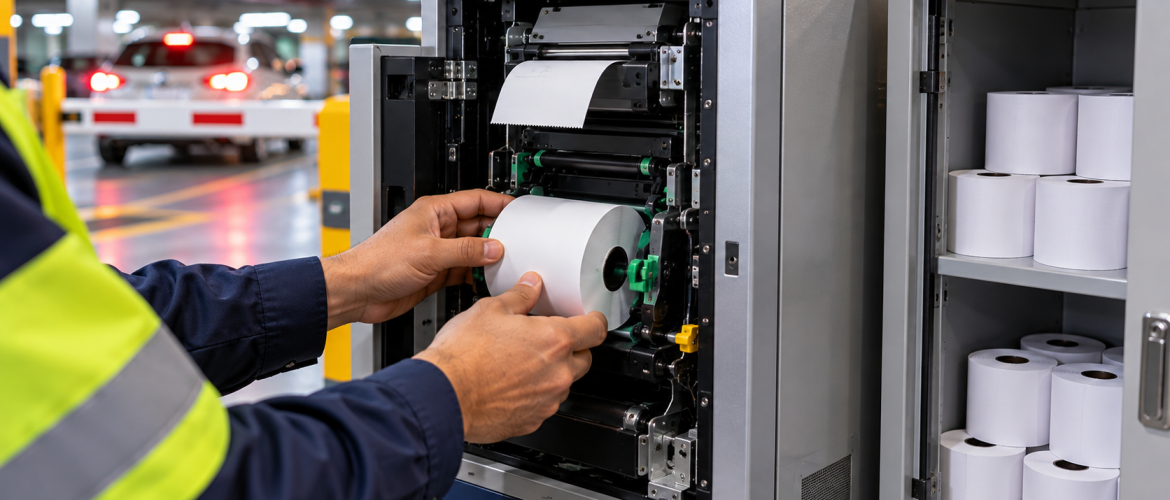
Create a Standard Roll-Change Procedure
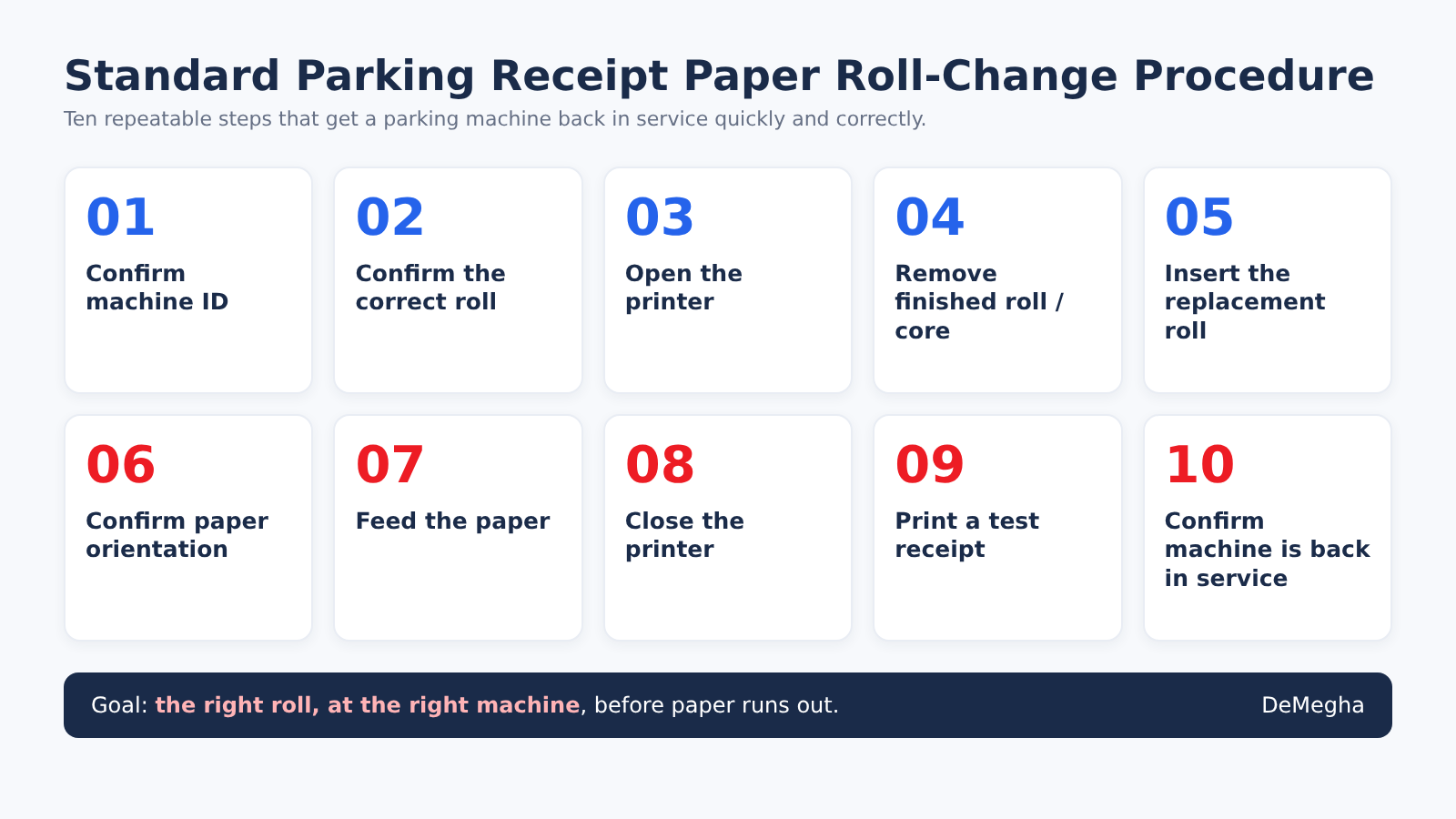
- Confirm machine ID.
- Confirm correct roll.
- Open printer.
- Remove finished roll/core.
- Insert replacement.
- Confirm paper orientation.
- Feed paper.
- Close printer.
- Print test.
- Confirm machine returns to service.
Train Staff on Paper Orientation
Incorrect loading can cause blank tickets, feeding problems and immediate repeat intervention.
Staff responsible for replacements should know the correct orientation for each printer type.
Use a Test Receipt
After changing parking receipt paper, print or generate a test where the parking system allows.
Check that text is readable, paper feeds correctly, the cut is correct and no warning remains.
This is faster than discovering the problem when the next driver uses the machine.
Monitor Roll Consumption by Machine
Not every parking printer consumes paper at the same rate.
An entrance machine may have different usage from an exit machine, payment kiosk or staff parking terminal.
Tracking consumption can identify high-use locations.
Estimate Daily Usage
Operators can record rolls loaded, machine, date and shift.
Over time, average usage becomes clearer.
This can help predict when stock needs replenishment.
Identify Peak Periods
Parking demand may increase during weekends, events, holidays, sales periods, conferences or hospital visiting hours.
Paper planning should account for site-specific traffic patterns.
Set a Local Minimum Stock Level
Each operational area can have a minimum quantity.
When stock reaches that level, replenishment should occur before it becomes urgent.
The appropriate quantity depends on actual consumption and supply lead time.
Keep Emergency Stock Controlled
Emergency stock is useful only if staff know where it is, what equipment it fits and when it can be used.
Do not mix emergency stock with unrelated paper sizes.
Track Incorrect Roll Incidents
If a technician repeatedly arrives with the wrong paper roll, the issue may be a process problem.
Review machine identification, shelf labeling, internal stock codes and staff instructions.
Track Paper-Related Downtime
A simple maintenance log can include machine, issue, time reported, time back in service and cause.
Repeated incidents reveal opportunities for improvement.
Review Unusual Consumption
If one machine uses far more rolls than comparable machines, investigate.
Possible reasons may include higher traffic, longer ticket format, staff test printing, a paper-feed issue or unrecorded wastage.
Do not assume increased usage automatically means a paper-quality problem. If you suspect a hardware fault, review the printer itself alongside DeMegha’s printers and scanners range.
Protect Reserve Stock
Even operational stock needs suitable storage.
Protect rolls from excessive heat, moisture, dust, crushing and direct sunlight.
Multi-Site Parking Operations
Organizations operating several facilities can use a shared paper-control system.
Record site, machine type, approved roll, monthly consumption, minimum stock and reorder level.
This makes purchasing and distribution more structured, particularly when sourcing thermal paper rolls, plain and printed thermal paper rolls or thermal cash rolls from one supplier.
Parking Receipt Paper Downtime Checklist
- Identify every printer
- Record approved roll specifications
- Place controlled spare stock nearby
- Conduct shift checks
- Train staff on roll loading
- Test after replacement
- Track consumption
- Review downtime incidents
- Maintain minimum stock
Conclusion
Managing parking receipt paper efficiently involves more than buying the correct ticket roll.
High-traffic parking facilities should also plan how the paper moves from storage to the printer.
Clear machine identification, nearby spare stock, standard roll-change procedures, operator training and consumption tracking can reduce avoidable delays.
For busy parking environments, the goal is simple: the right roll, at the right machine, before paper supply becomes an operational problem.
For parking operators in the UAE that need compatible parking receipt paper, contact DeMegha to discuss roll specifications, quantities and supply requirements.
Frequently Asked Questions
1. How Can Parking Operators Reduce Paper-Roll Downtime?
Keep approved spare rolls accessible, monitor stock, train employees and use a standard roll-change procedure.
2. Should Spare Parking Rolls Be Kept Near Machines?
A controlled nearby stock point can reduce replacement time, provided rolls are stored appropriately.
3. Why Should Each Parking Machine Have an ID?
Machine IDs make fault reporting and correct paper selection easier.
4. Should a Test Receipt Be Produced After Changing the Roll?
Where the system allows, a test can confirm print quality, feed and cutting before normal operation resumes.
5. Can Different Parking Machines Use Different Paper?
Yes. Requirements depend on the equipment, so each machine’s specification should be documented.
6. Should Roll Consumption Be Tracked?
Yes. Usage data can help identify high-volume machines and improve replenishment planning.